How to Submit a Missing Punch in the Adaptive App
If you've forgotten to clock in or out for a shift using the iSolved app, don't worry! The app provides a simple and convenient way to submit a missing punch.
Follow the steps below to ensure your time records are accurate.
1. Open the app and navigate to the Time and Attendance card and tap on Time Card

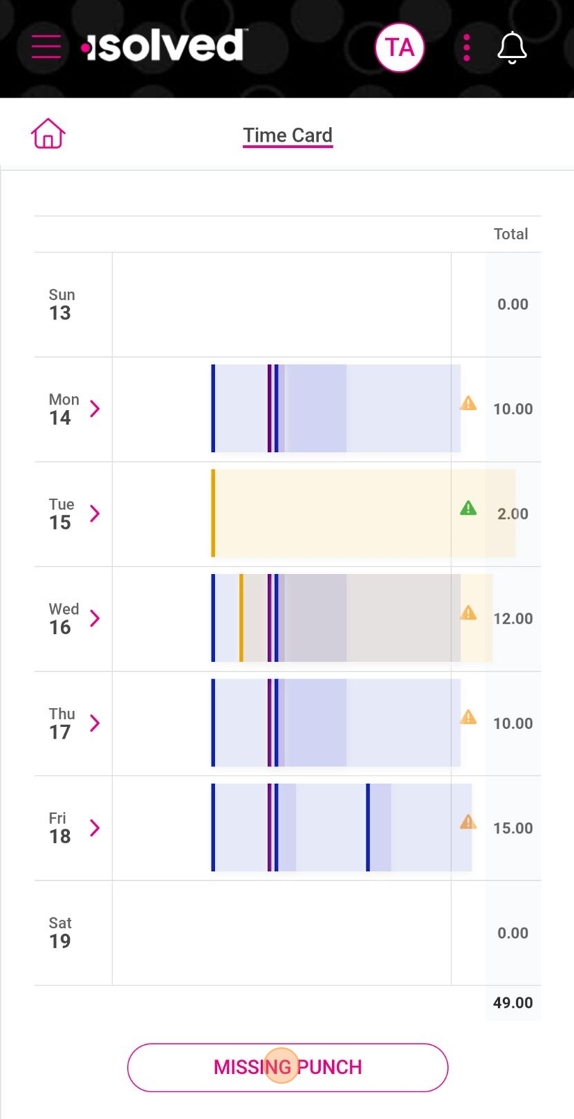
2. Tap on MISSING PUNCH
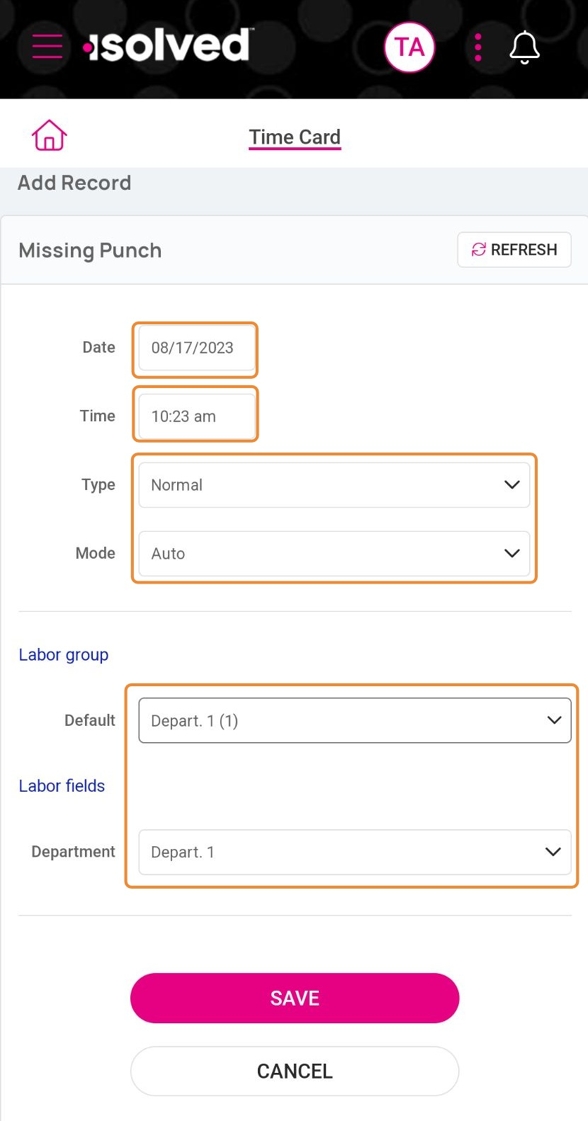
3. Enter the date and time of the punch and other information collected when punching (if any)
4. Tap SAVE
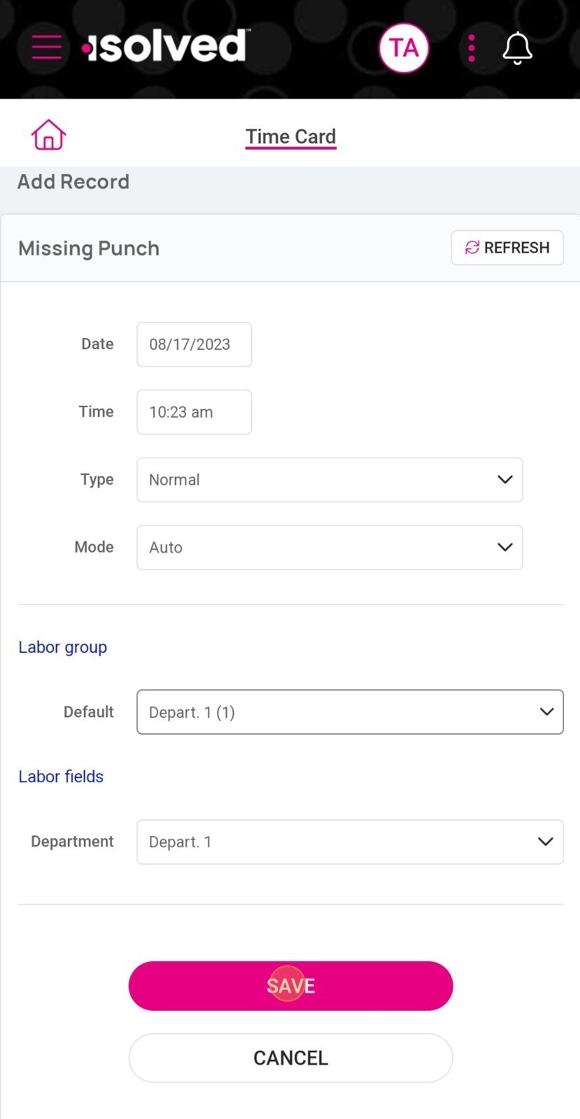

Your supervisor will be notified to review your entry for approval.
By following these steps, you can easily rectify any missed clock-ins or clock-outs and maintain an accurate record of your work hours.