How to Access and Download Your W-2 and other Year-end Tax Forms
This guide provides a straightforward process for accessing and downloading your W-2 and other year-end tax forms, ensuring you have the necessary documents for tax filing.
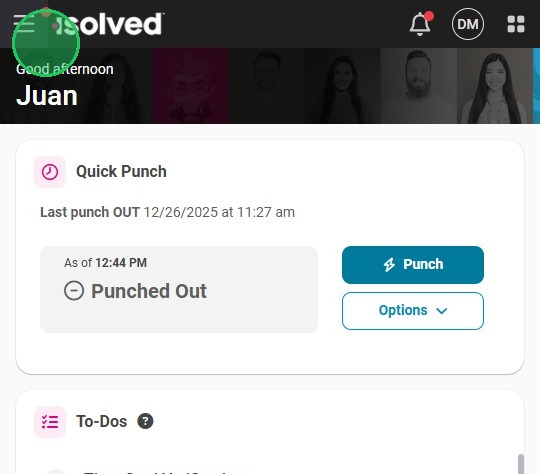
2. Click on the menu icon.

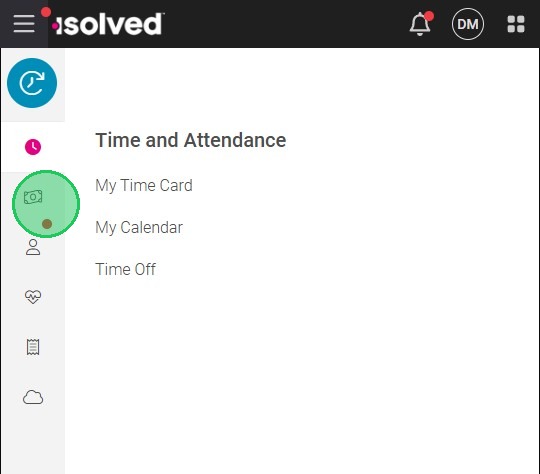
3. Select "Pay and Tax" (the money icon)
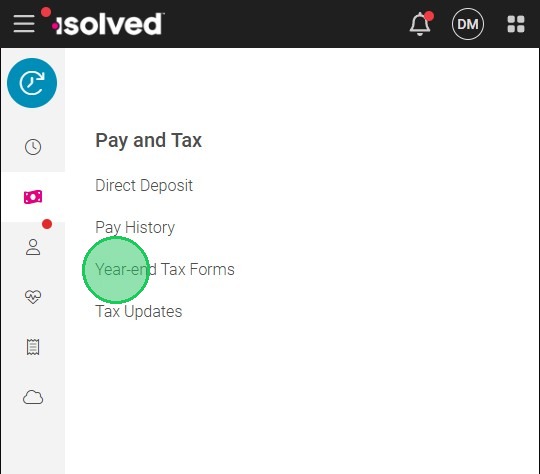
4. Click on "Year-end Tax Forms"
All year-end forms will appear here.
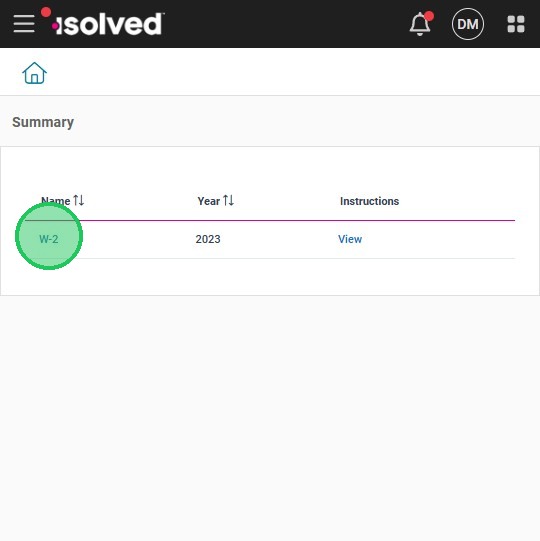
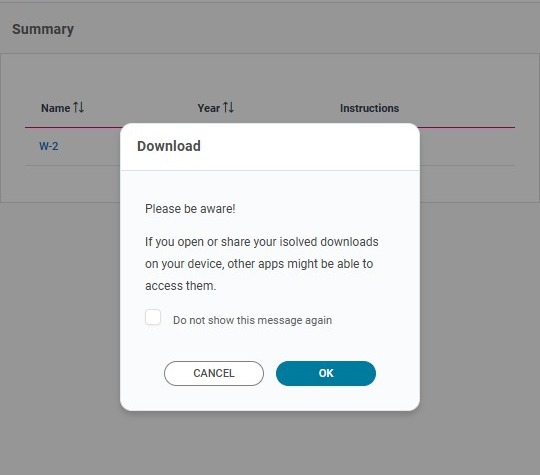
5. Click on the title of the form you want to download
6. Click "OK"
The file be downloaded to your device.
Related Articles
Reviewing and Updating Tax Withholding Forms in the Employee Portal
This guide walks employees through the steps to update their tax withholding forms using the employee portal. By following these instructions, employees can easily access and adjust their tax profiles, ensuring compliance and optimizing their tax ...
How to View Pay History and Download Paystubs
The adaptive app provides a convenient way for employees to access and download their pay history and paystubs. By following a few simple steps, you can easily view and save your pay information on your mobile device. View Pay History 1. Navigate to ...
Completing Form I-9 and Uploading Documents
Overview This guide provides a step-by-step process for completing Form I-9 and uploading necessary documents, ensuring compliance with employment verification requirements. By following this guide, individuals can efficiently complete their I-9 ...
Frequently Asked Questions: Employee Login and Account Access
If you are experiencing difficulties logging in to the Adaptive Employee App, follow this guide to resolve common issues. For additional support, contact your HR or IT department. General Questions Where do I go to access the employee portal? To ...
How to Access the isolved Learn & Grow University
The isolved University is a valuable resource for learning and training on the isolved platform. If you are an employee or administrator using isolved People Cloud, you can easily set up your isolved University account and access it seamlessly from ...